

A restaurant can have excellent food and still lose the guest before the guest ever reads the menu.
That is the reality of local discovery in 2026. Hungry people compare restaurants across Google, social platforms, delivery pages, map results, review snippets, and AI-assisted answers. They are not only asking, "Is this place good?" They are asking, "Does this place look current, trustworthy, and easy to choose right now?"
Photos answer that question faster than copy.
For independent restaurants, menu-photo freshness is no longer a cosmetic task. It is conversion proof. A current dish photo, a recent dining-room angle, and a fresh review response can make the restaurant feel alive at the exact moment a guest is deciding where to go.
Your Listing Is A Shelf
Think of every public restaurant profile as a shelf. Google Business Profile is a shelf. Instagram is a shelf. Facebook is a shelf. Your ordering page is a shelf. Delivery marketplaces are shelves. AI and search results increasingly pull from the same public trail.
If the shelf is stale, the restaurant feels stale.
Old photos create doubt. A menu item that no longer looks like the photo creates friction. A page with no recent updates makes the guest wonder whether the hours, specials, and ordering path are reliable. Even if the food is excellent, the digital proof is doing a poor job of selling it.
Fresh photos do not need to look like a national chain campaign. They need to be clear, current, appetizing, and consistent.
The Weekly Refresh Beats The Big Overhaul
Many operators wait too long because they think photo work has to be a full shoot. That creates the wrong rhythm. The better system is small and weekly.
Each week, capture:
- one dish that deserves attention
- one room or counter angle that shows the restaurant is active
- one offer or menu cue that supports current demand
- one review response or guest proof point
That is enough to create a useful content loop. The dish photo can support Google, social, and the ordering page. The room photo can show hospitality and atmosphere. The offer cue can drive action. The review response can reinforce trust.
The key is consistency. A restaurant that looks current every week has an advantage over a restaurant that looks polished once a year.
What Guests Need To See
Guests are scanning for practical confidence. They want to know what the food looks like, whether the place feels open and cared for, whether recent guests had a good experience, and whether the next step is simple.
That means your visual proof should cover four jobs:
- Show the food clearly. The main dish should be sharp, bright, and honest.
- Show the place. Include dining room, counter, patio, exterior, or service context.
- Show recency. New posts, current offers, and fresh photos signal that the restaurant is active.
- Show the action. The guest should know whether to order, reserve, call, get directions, or walk in.
If a profile has good photos but no clear action path, the guest may still drift. If the action path is clear but the photos feel old, the guest may hesitate. Conversion happens when proof and action work together.
Do Not Let Good Photos Die In One Channel
The biggest waste is using a good photo once.
A weekly dish photo should become a Google post, an Instagram carousel, a Facebook update, an ordering-page feature, a short email section, and a local SEO cue. A review response can become a caption idea. A seasonal room shot can become a reminder that the restaurant is open, active, and ready for guests.
This does not mean every post should be identical. It means every channel should point to the same current story.
For example:
- Google: "This week's lighter dinner feature is available Tuesday through Thursday."
- Instagram: show the dish and the room.
- Facebook: explain the offer for local regulars.
- Ordering page: make the item easy to find.
- Email: invite the next visit.
One photo becomes a coordinated signal instead of a disconnected post.
Where Reviews Fit
Photos make the first impression. Reviews often close the trust gap.
Recent review responses show that the restaurant is listening. They also create useful language for content. If guests keep praising quick pickup, friendly staff, patio seating, or a specific dish, those phrases should influence what the restaurant highlights next.
The best operators do not treat reviews as a defensive task. They treat reviews as demand research.
Read the comments. Notice what guests repeat. Photograph and promote what they already love. Respond quickly enough that the profile feels alive. Then turn those signals into next week's content.
Where KitchenRush Fits
KitchenRush helps independent restaurants turn fresh proof into a repeatable local discovery workflow.
Instead of asking an owner to manage photos, captions, reviews, profile updates, SEO posts, ordering links, and follow-up in separate tools, KitchenRush brings the work into one operating system. A weekly photo refresh can become platform-ready content, Google updates, captions, and action links without forcing the owner to start from scratch each time.
That is the difference between "we should post more" and "we know what to refresh every week."
Quick Playbook
- Pick one weekly photo window before service.
- Shoot one dish, one room angle, and one offer cue.
- Refresh Google first, then social and ordering pages.
- Respond to one review and reuse the guest insight.
- Keep the CTA clear: order, reserve, call, directions, or learn more.
- Repeat before the profile starts to look stale again.
Fresh photos are not decoration. They are proof that the restaurant is alive, current, and worth choosing today.
CTA
KitchenRush helps independent restaurants keep local discovery fresh across Google, social, reviews, ordering, and follow-up from one control room.
Visual version
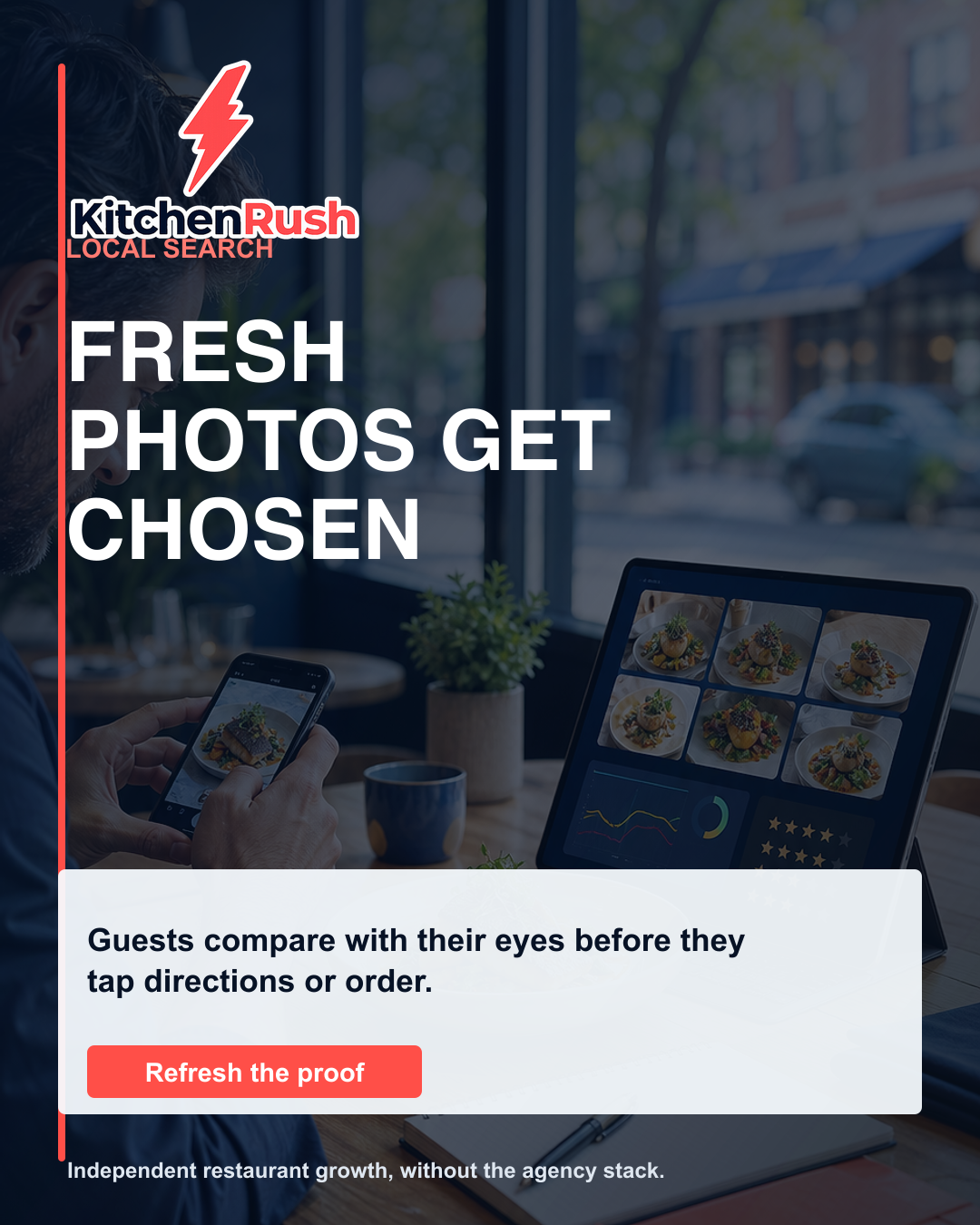
Carousel companion for the same topic.