Start with your POS.
Connect supported POS systems rather than requiring a new checkout terminal.


Give your team fewer details to enter twice. Connect direct orders and menu updates with a compatible POS, keeping the important details attached.
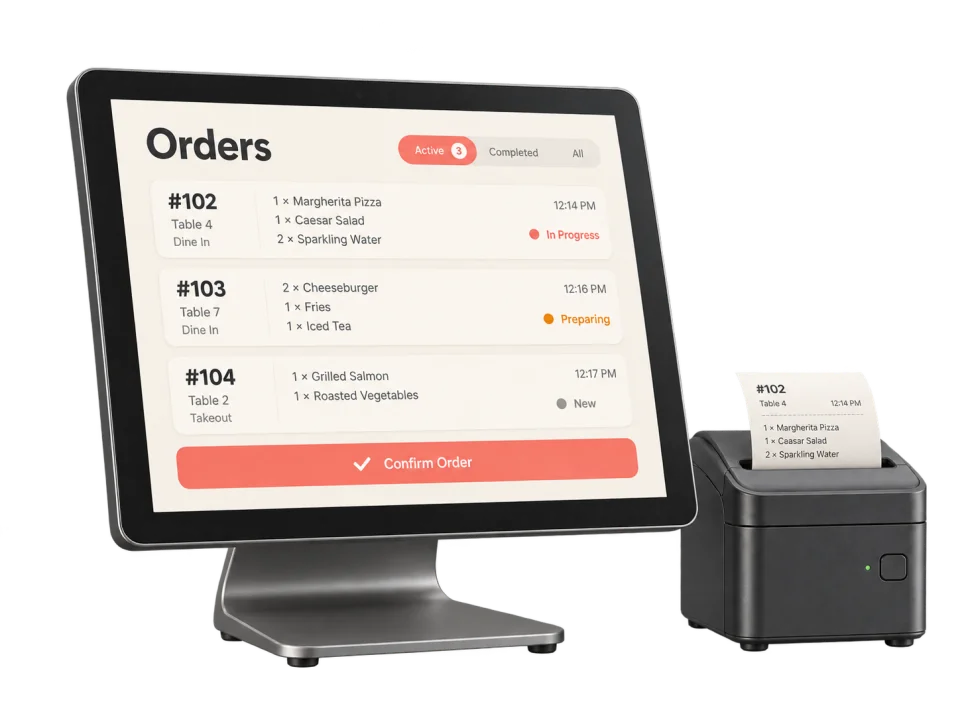
An order placed on your website reaches your connected POS with the items, special instructions, and pickup time attached.
Your team’s familiar place
to pick things up.
Available workflows, sync direction, and supported details depend on your POS and setup.
Connect supported POS systems rather than requiring a new checkout terminal.
Map menu, pricing, availability, inventory, and order synchronization for that connection.
Test tax, modifier, tender, refund, routing, and reporting handoffs before launch.
POS integrations are listed in Starter. Compatibility depends on your exact POS product and setup.
Compare plansWhat a compatible connection can carry and what to test before the first busy shift.
Not necessarily. The right setup depends on your current register, the workflows you want connected, and the integrations available for that system.
Confirm the exact POS product, version, processor relationship, location setup, and workflows you need. Integration availability and scope can change.
Test menus, modifiers, taxes, tenders, order routing, refunds, outages, and reporting so the operational handoff is understood before a busy shift.
Synchronization scope varies by connection. Document the source of truth for menus, prices, availability, orders, payments, refunds, guests, and reporting before launch.
That depends on the selected POS, ordering, and payment setup. Confirm processor requirements, rates, hardware, payout timing, refunds, disputes, and contract terms in writing.
Start with what would make your day easier. We’ll take it from there.
Let’s talk about your restaurant